Run wholesale credit like the big players do.
Per-customer credit limits enforced at checkout, automated payment reminders, branded PDF invoices, and a self-service buyer portal — the moment a buyer goes overdue, they're suspended from buying more on credit.
Four things only we do.
We scanned every Net Terms & B2B credit app on the Shopify App Store. Here's what Net Terms Tracker does that nobody else does — or does well.
Credit limits enforced at checkout
Set a per-customer limit. The moment a buyer's new order would push them over — or they've gone overdue — Net Terms disappears from their checkout. No overrides, no "I'll pay you next week."
Automated payment reminders
Stop emailing buyers yourself. NTT sends reminders automatically — a friendly nudge before an invoice is due, and a firmer one the moment it goes overdue. You never chase again.
Branded PDF invoices
Every terms order becomes a professional, merchant-branded invoice automatically — with your logo, your color, and wire/check/custom payment instructions. Buyers download it from their portal.
Self-service buyer portal
Your buyers log in to see their credit limit, outstanding balance, and every invoice — then click Pay Now themselves. The "what's my balance?" support ticket, eliminated.
Source: independent scan of 14 Net Terms & B2B credit apps on the Shopify App Store. 'Exclusive' = no competitor offers it. 'Rare' = offered by one competitor, gated to Shopify Plus. Feature claims re-verified quarterly.
Everything else your B2B operation needs.
Net Terms Tracker isn't just credit and invoices — it's the supporting layer that makes wholesale run smoothly, too.
One app. The whole wholesale relationship — pricing, credit, invoices, and enforcement.
How it works
Three steps — and the credit risk handles itself.
Approve your buyers
Tag wholesale customers for Net 15, 30, or 60. Set a per-customer credit limit — $2,000, $10,000, whatever fits the relationship.
Enforce limits at checkout
The Net Terms payment method only appears for approved buyers — and disappears the moment a new order would push them over their credit limit.
Remind & protect
NTT sends automated reminders for upcoming and overdue invoices. The moment a buyer goes overdue, they're suspended from buying more on credit until they settle up.
Simple, honest pricing.
Start free. Upgrade to Pro when you're ready to automate. Both work on any Shopify plan.
Everything you need to start offering Net Terms to a handful of trusted buyers — free, forever.
- ✓ 5 Net Terms customers
- ✓ Net 15 / 30 / 60 terms
- ✓ Per-customer credit limits
- ✓ Credit limits enforced at checkout
- ✓ Customer Finance Portal
- ✓ Manual order approval
- ✓ Basic dashboard
The full engine: automated enforcement, reminders, branded invoices, and a buyer portal that pays for itself.
- ✓ Unlimited Net Terms customers
- ✓ Branded PDF invoices
- ✓ Automated payment reminders
- ✓ Wholesale pricing — flat $ or % off
- ✓ Bulk CSV export
- ✓ Priority email support
All prices in USD. Billed through Shopify. Not sure which fits? Start free — upgrade in one click when you're ready.
See it in action
A 2-minute tour, then the full 8-part setup series — page by page.
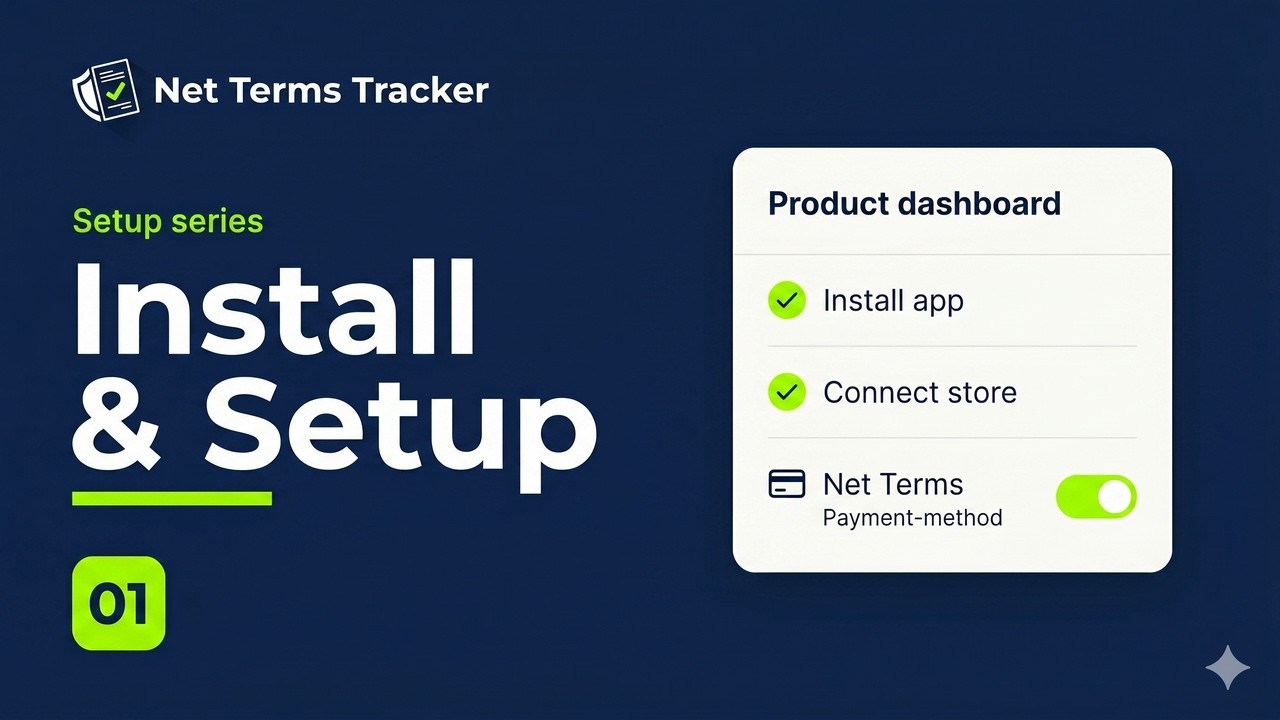
The full setup series — 8 short videos
1 Install & Setup
Add the Net Terms payment method and confirm the Gatekeeper. About five minutes, start to finish.
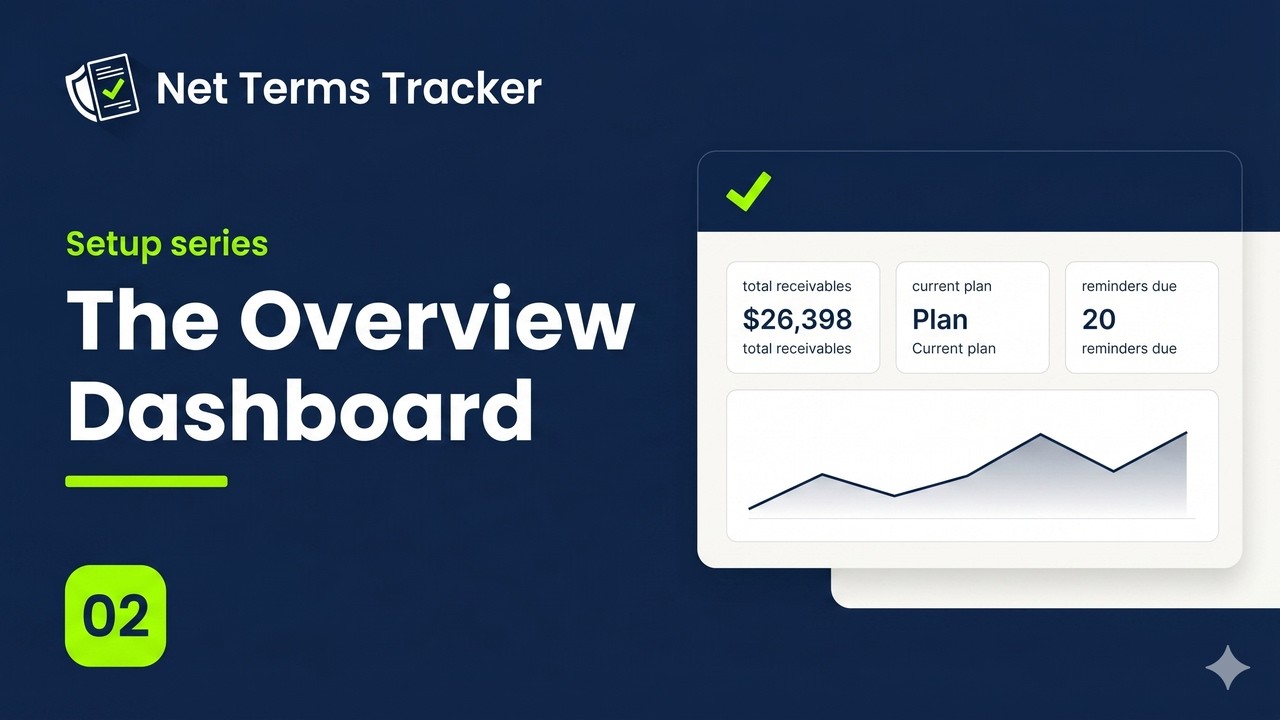
2 The Overview Dashboard
Your home base: pending invoices, your plan, automated reminders, and every page in one place.
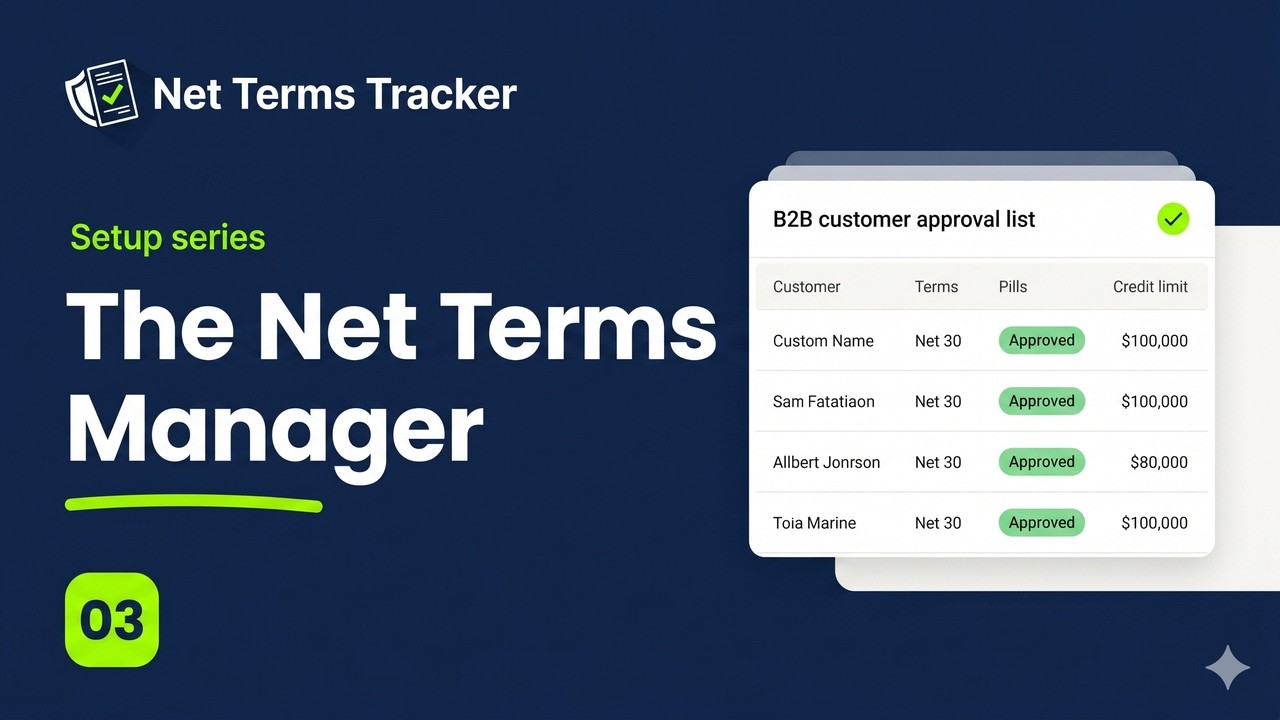
3 The Net Terms Manager
Approve customers for Net 15, 30, or 60, set per-customer credit limits, change terms, and revoke access.
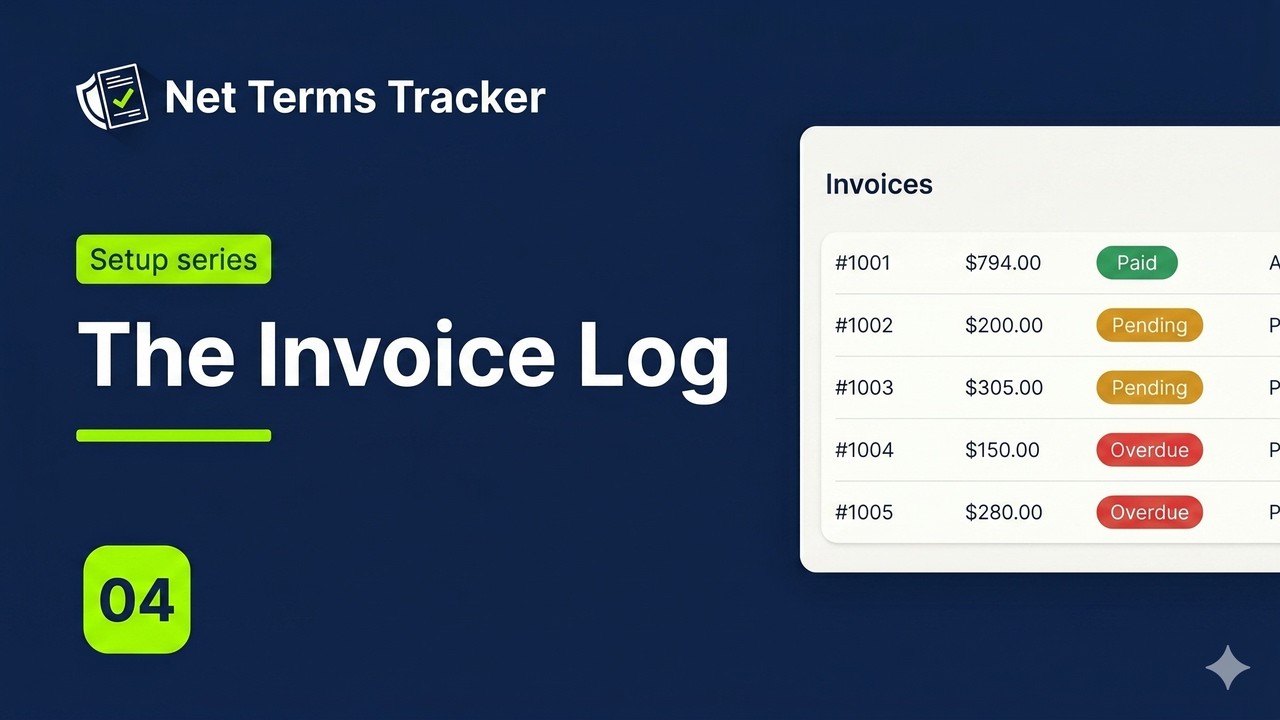
4 The Invoice Log
Every terms order becomes an invoice automatically. Mark paid, download branded PDFs, and export to CSV.
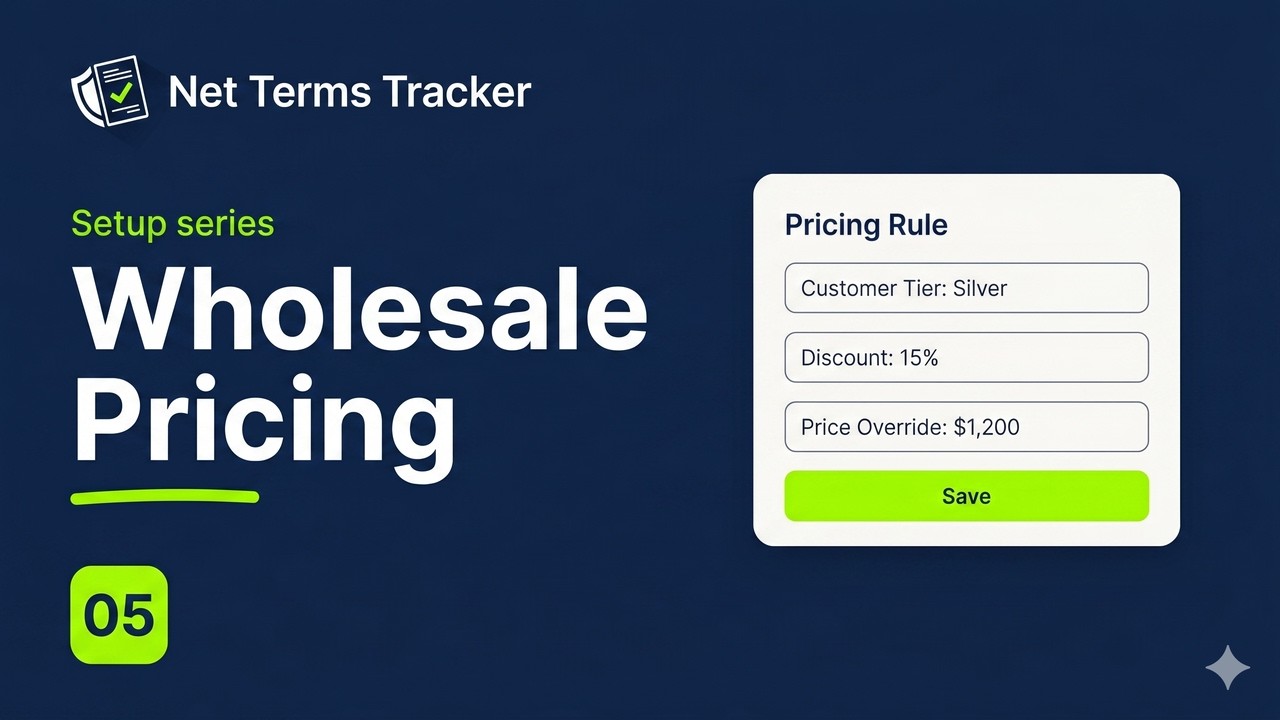
5 Wholesale Pricing
Tag a tier, set a flat price or percentage off per variant, and tagged buyers see their price at checkout.
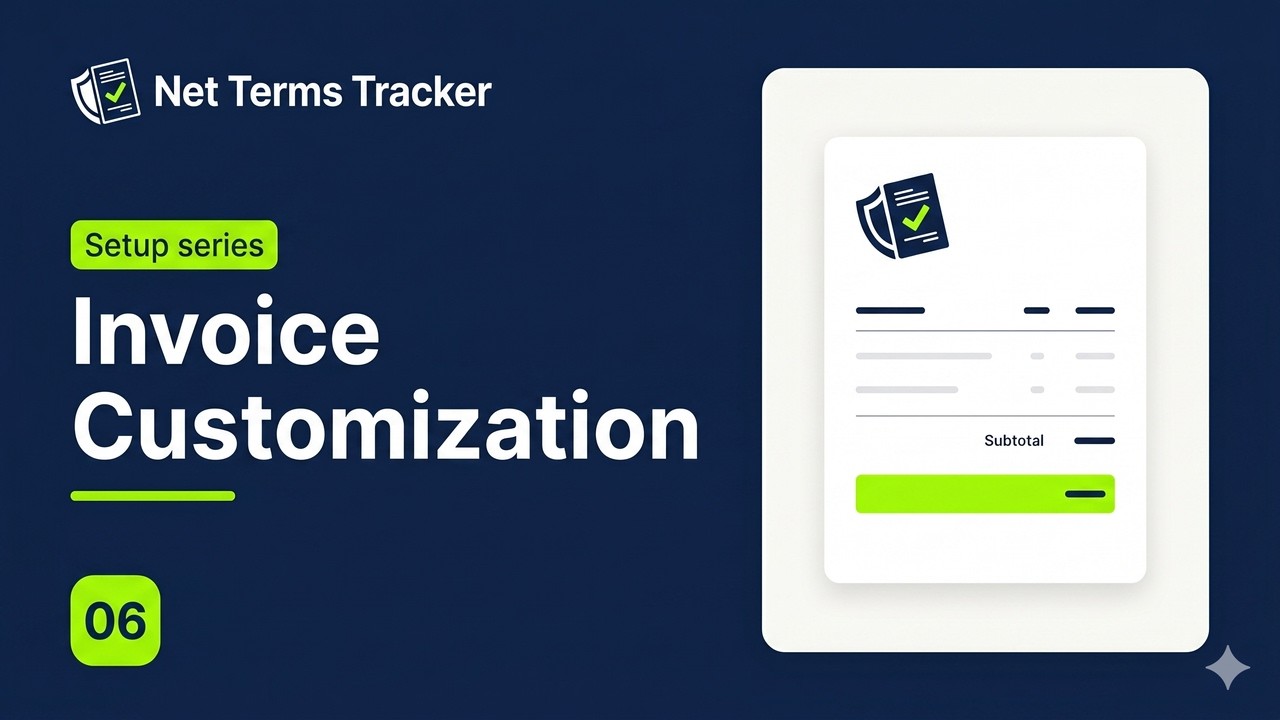
6 Invoice Customization
Add your logo and brand color, and set wire, check, or custom payment instructions with a live preview.
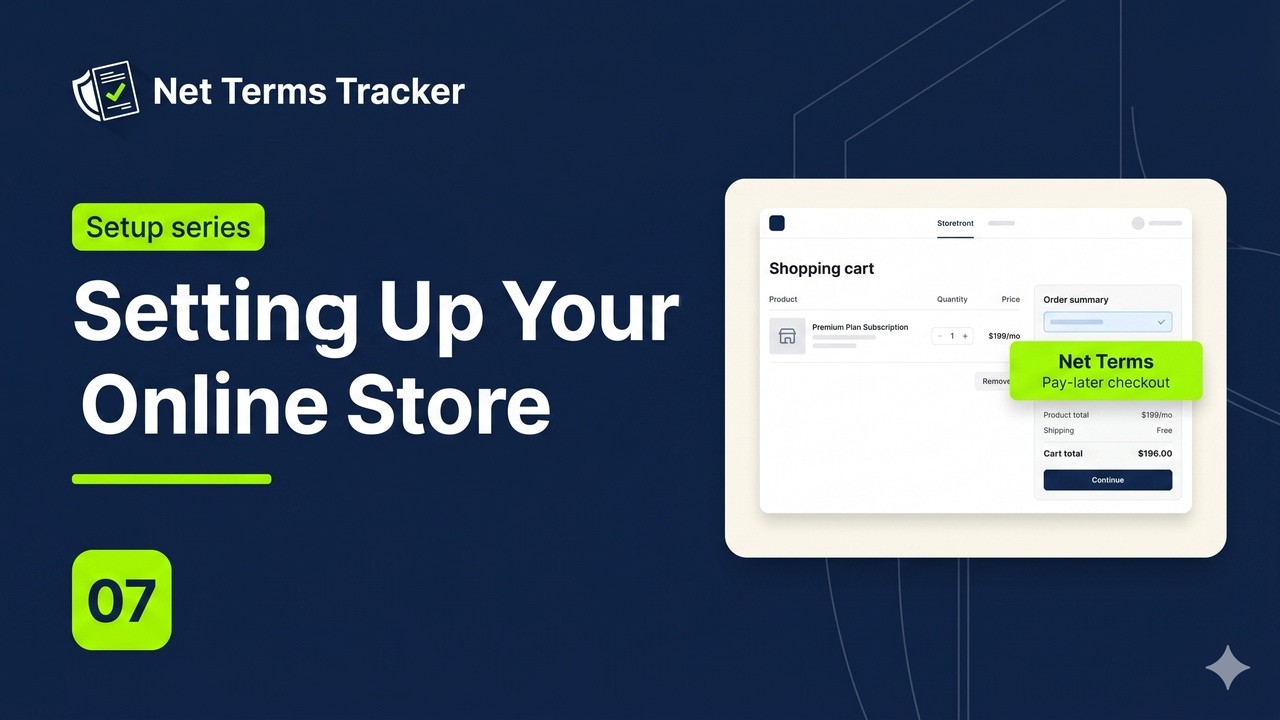
7 Setting Up Your Online Store
Add the cart Net Terms banner and the customer Finance Portal, then see the full buyer flow through checkout.
8 Full Product Walkthrough
The complete tour in one video, from setup to checkout.
Frequently asked questions
Does this work with Shopify Plus?
Works on any Shopify plan?
Can I set custom credit limits per customer?
Is my data secure?
What's the difference between Free and Pro?
Does Net Terms Tracker process payments?
Start offering net terms today.
Free to start. 30-day Pro trial when you're ready. Install in minutes.
Install on Shopify →No Plus plan required · Cancel anytime · Works alongside Shopify B2B